Every time your DCA buys, it places a matching sell order at a higher price. That is the open sell order you hear about. The mechanism that turns your plan into realized profit.
What an open sell order is
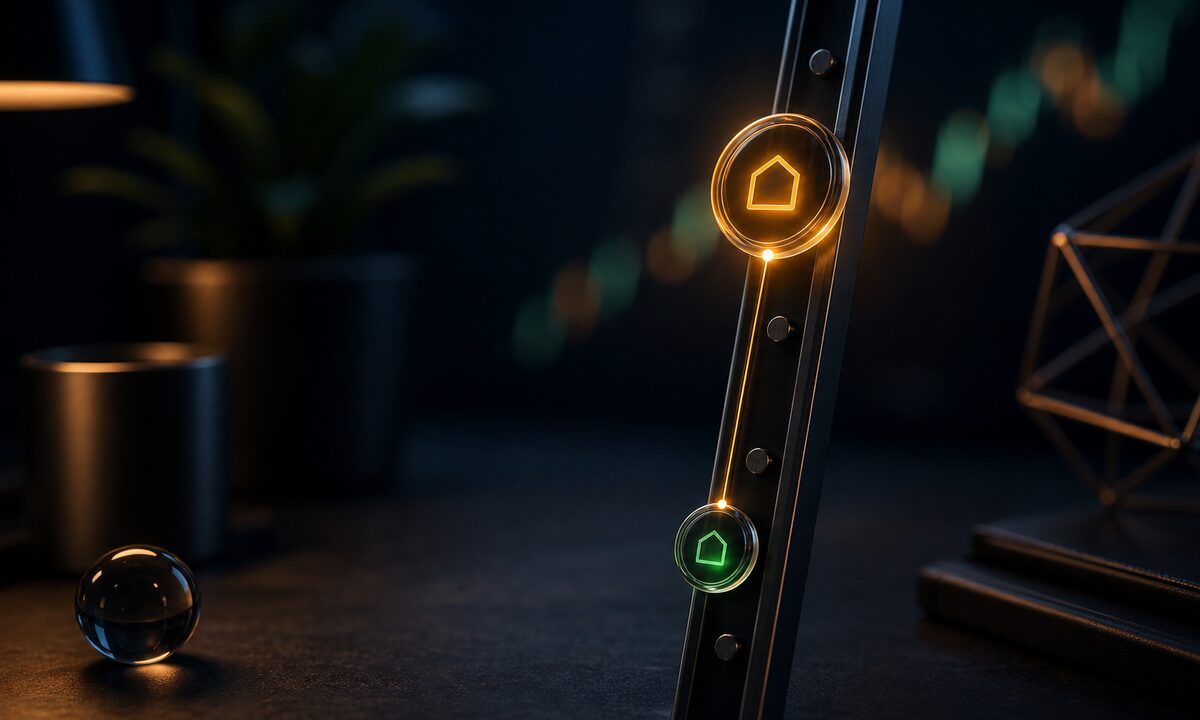
When a buy fires in your DCA, the app immediately sends Binance a matching sell order. Its price is the buy price plus your take-profit.
Example: you buy 0.0001 BTC at 60,000 EUR with a 5% take-profit. A sell order for the same 0.0001 BTC is placed at 63,000 EUR right away.
That sell order stays open on Binance until one of two things happens:
- The price reaches 63,000 EUR and the order executes. The position closes at a profit.
- You cancel the order manually, or the exchange cancels it for some reason.
Why orders get cancelled
Open sell orders do not vanish on their own very often, but it happens. Common causes:
- You restarted or logged out of the app and it cleared orders to start clean.
- You cancelled manually in the Binance UI.
- Binance had downtime or a temporary restriction on the pair.
- You changed take-profit or cadence and the app reissued orders.
You never lose the BTC. It sits in your spot wallet from the moment the buy executes. You only lose the placed sell order.
How to bring them back
Two places to check:
- In your DCA app dashboard there is usually a sync or re-place orders option. That handles it most of the time.
- In Binance, open the Open Orders panel and confirm the sell exists at the right size and price.
If the app supports automatic sync on startup, you do not have to do anything manually. Just open it and it figures out what should be open and what should not.
Good practice: after any plan change or after Binance downtime, glance at Open Orders. Takes seconds. Avoids the case of holding a position with no exit.